
Order Desk can submit your print on demand orders to Edwards Garment. As orders are fulfilled, shipment details will automatically be pulled back into Order Desk and sent to the original shopping cart, if your store is set up for it.
Setup
To connect to Edwards Garment, click Manage Integrations in the left sidebar. Under the Print on Demand tab, find and enable the Edwards Garment integration.
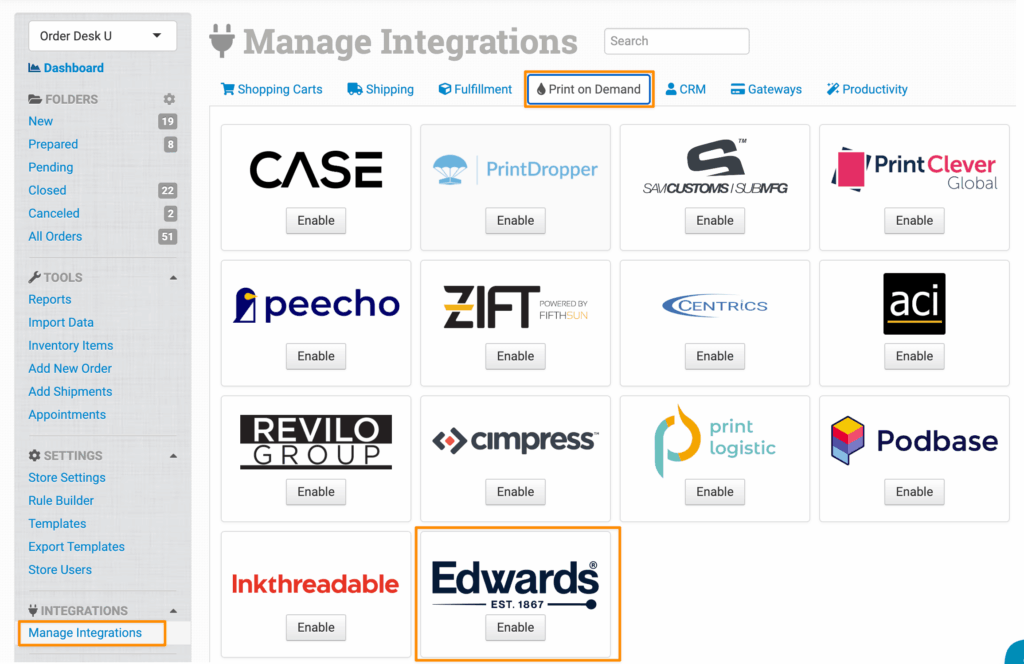
Alternatively, search for Edwards Garment from the available integrations search.
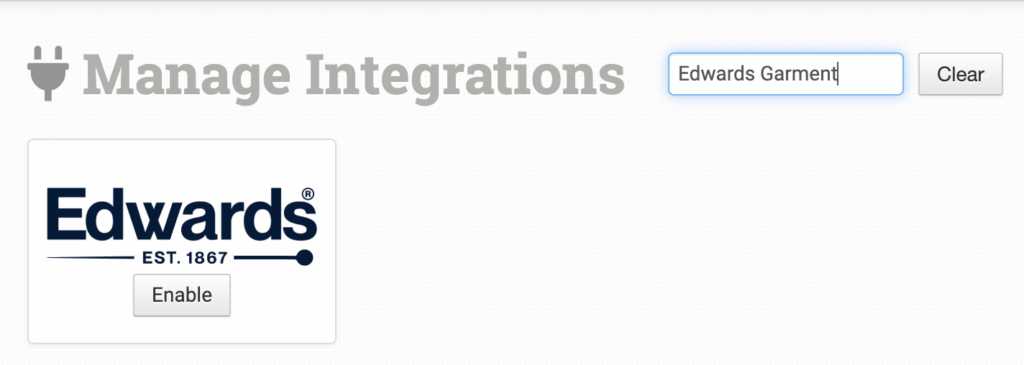
Enter your Edwards Garment Customer ID and Password, select your preferred environment, then click Connect:
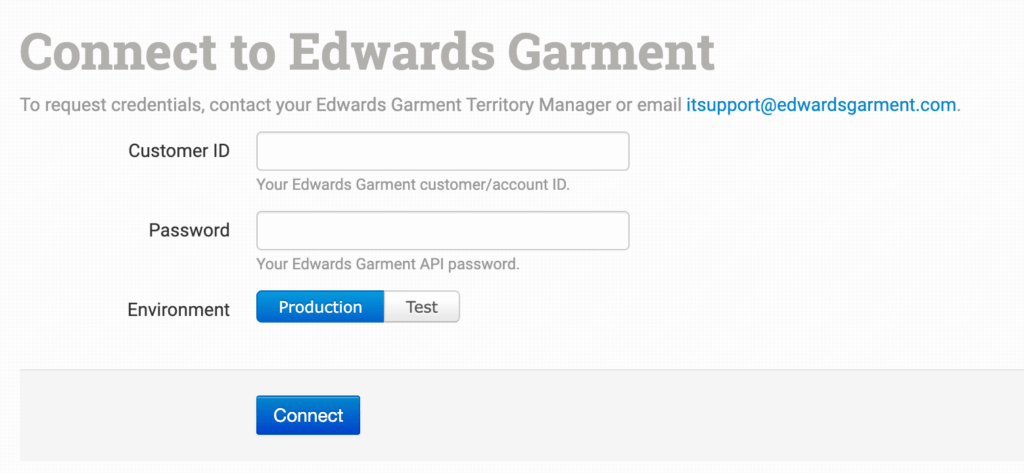
Order Desk isn’t able to help find or reset your Edwards Garment credentials, as they can only be provided by the Edwards Garment team.
Integration Settings
Once connected, you’ll have a few settings where you can set your preferences for this integration.
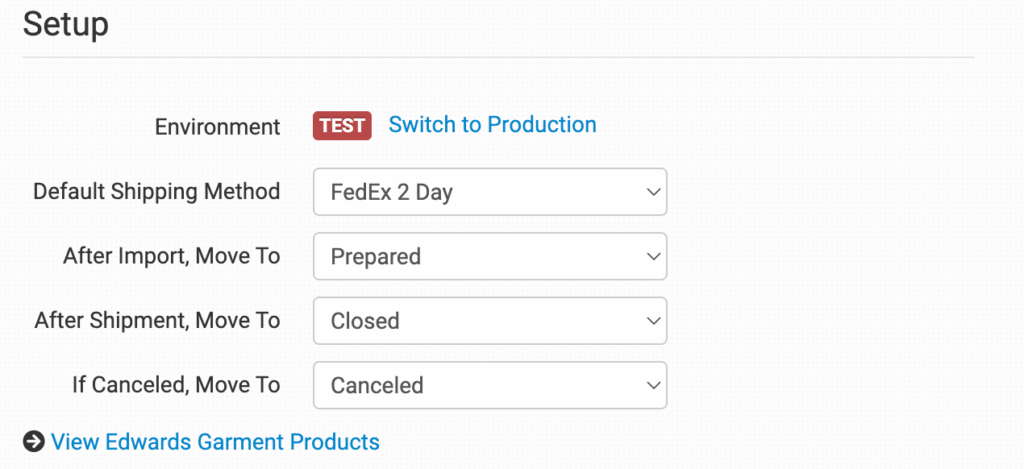
Default Shipping Method
Select the default shipping method you want Edwards Garment to use for your orders.
If you need to apply specific shipping methods for certain orders, match your method names to Edwards Garment’s names in the Shipping Class Match section below.
After Import, Move To
Select the folder you want orders to be moved into after they are successfully sent to Edwards Garment.
If you want to use a custom folder, create your own from Store Settings. See the Working with Folders guide for more information.
After Shipment, Move To
Select the folder you want orders to be moved into when Edwards Garment sends shipment details back to Order Desk.
Order Desk checks Edwards Garment for shipment updates every 4 hours after an order has been submitted.
If Canceled, Move To
Select the folder you want orders to be moved into if they are canceled at Edwards Garment.
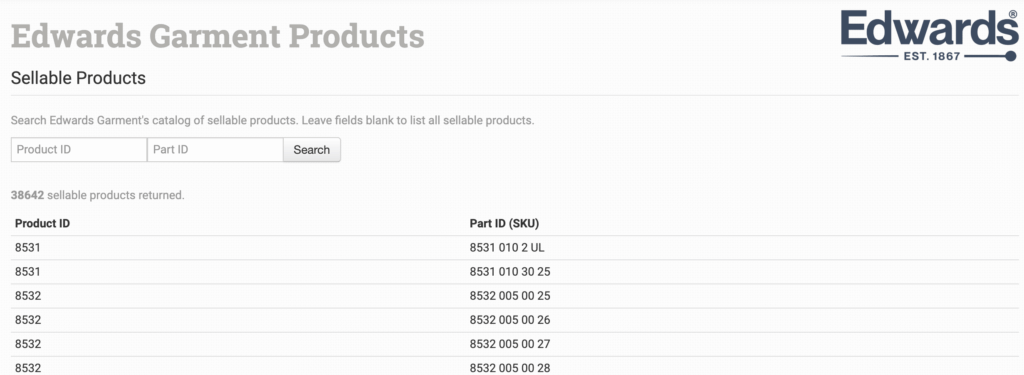
View Edwards Garment Products
This option links you to a page where you can view the Edwards Garment sellable product catalog. You can use this page to find product details needed for order submission, including the print_sku (Edward Garment’s part ID).
Product Settings
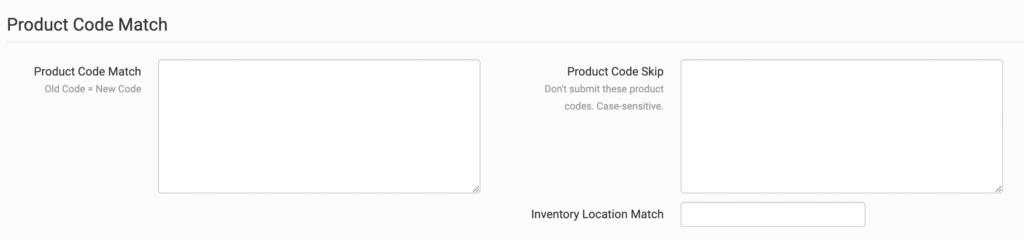
For detailed information about what the product settings within the Edwards Garment integration do, read the Print on Demand Product Settings guide.
Shipping Class Match

The shipping methods you have set up in your shopping carts may not match the methods Edwards Garment uses. To make sure your shipping preferences are sent to Edwards Garment with each order, match your methods to theirs in the Shipping Class Match feature. If your shipping method name doesn’t match their shipping method name exactly, your default shipping method will be used instead.
For information about how to set up your shipping preferences, read the Shipping Class Match guide.
Sending Orders to Edwards Garment
Getting your orders ready to send to Edwards Garment will take some setup time. For a detailed walkthrough of how to use Order Desk with your print on demand orders, read the Print on Demand Fulfillment guide.
Preparing Your Items
The following fields can be set as variations or item metadata for each order item. These fields tell Edwards Garment what item should be used and where each decoration should be placed.
| Field Name | Description |
|---|---|
| print_sku | Required. Edwards Garment’s product SKU or part ID for the item. You can find this on the View Edwards Garment Products page. |
| decoration_name_x | The name of the decoration to apply to the item. Use decoration_name_1 through decoration_name_3 for up to three decorations. |
| decoration_location_x | The location where the decoration should be placed on the item. Use decoration_location_1 through decoration_location_3 for up to three decoration locations.Valid values are: Above Back Pocket-LAbove Back Pocket-RAbove Hem Sleeve-LAbove Hem Sleeve-RAbove LogoAbove Pocket-CAbove Pocket-LAbove Pocket-RBack Shoulder-LBack Shoulder-RBack YokeBelow LogoBottom CenterCenter ChestCenter FrontChest-LChest-L Above PocketChest-L On PocketChest-RCoat TailCollar point-LCollar point-RCollar-LCollar-RCuff-LCuff-REpaulet-LEpaulet-RFrontFront-LFront-RLapel-LLapel-RLower Corner-LLower Corner-RLower Leg-LLower Leg-RLower Sleeve-LLower Sleeve-RPocket-CenterPocket-LPocket-RShirt TailSide-LSide-RUpper Sleeve-LUpper Sleeve-R |
Preparing Your Orders
The following details can be submitted for an order as either checkout data or order metadata.
| Field Name | Field Description | ||
| ShippingAccount | If you need to Edward’s Garment to ship your order with a third-party shipping account, set the account number here. | ||
If you are unfamiliar with checkout data, see the How to Work with Checkout Data guide.
Rules Reference
In addition to the general set of rule events and actions in Order Desk, Edwards Garment includes a number of rule events and actions that are specific to the integration. These aren’t found directly on the integration page. Instead, you’ll need to use the Rule Builder to access them.
If you’re new to using rules in Order Desk, we recommend starting with the How to Work With Rules guide.
Rule Events
The following events are specific to Edwards Garment. To find them, type Edwards Garment in the Event dropdown menu in the Rule Builder:
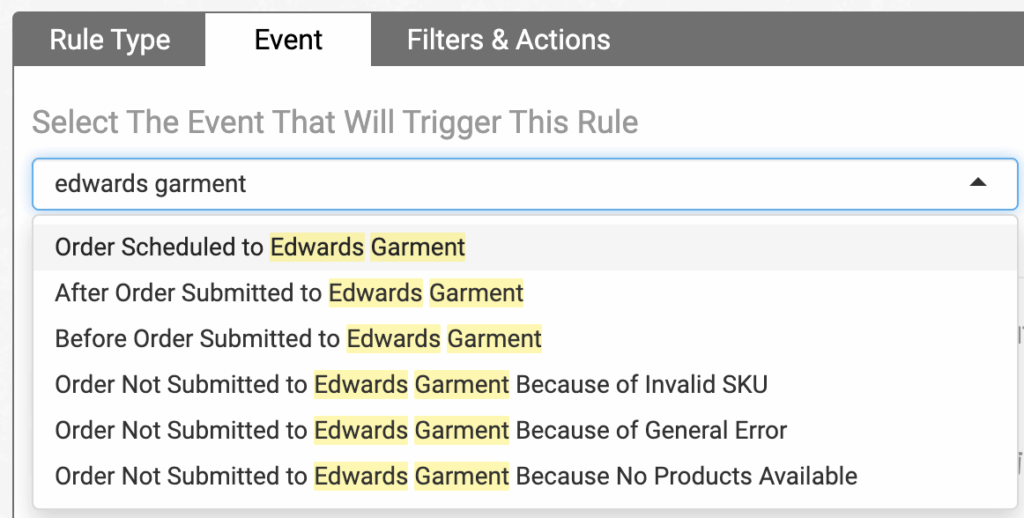
| Event | Description |
|---|---|
| Order Scheduled to Edwards Garment | Triggered when an order is scheduled to be sent from Order Desk to Edwards Garment. This triggers immediately after the order is scheduled, so it can be used when you want to take action on the order at that point. |
| After Order Submitted to Edwards Garment | Triggered after an order has been successfully submitted to Edwards Garment. |
| Before Order Submitted to Edwards Garment | Triggered just before an order is sent from Order Desk to Edwards Garment. This is useful when you want to make last-minute updates before an order is sent. |
| Order Not Submitted to Edwards Garment Because of Invalid SKU | Triggered when an order submission fails because one or more SKUs aren’t valid in Edwards Garment. |
| Order Not Submitted to Edwards Garment Because of General Error | Triggered when a general error prevents the order from being submitted to Edwards Garment. |
| Order Not Submitted to Edwards Garment Because No Products Available | Triggered when an order submission fails because no valid products were found for submission. |
Rule Actions
Edwards Garment also supports specific rule actions that you can apply to your orders. These can be found in the Actions dropdown by searching for Edwards Garment:
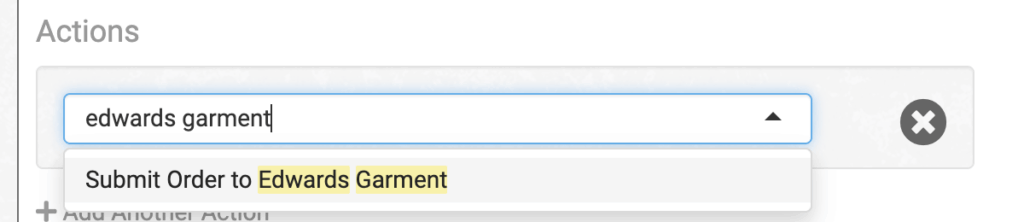
| Action | Description |
|---|---|
| Submit Order to Edwards Garment | Sends an order from Order Desk to Edwards Garment. |