If you want to ignore orders from certain manufacturers, use the Manufacturer Filter field to list them. Enter multiple manufacturer names separated by commas. The names must match exactly as they appear in Shift4Shop.
Any orders containing items from the listed manufacturers will be skipped. If an order has items from multiple manufacturers, only the items from the listed manufacturers will be ignored. The rest will still be imported into Order Desk.
Sync Tracking Numbers
If the Sync Tracking Numbers setting is enabled, Order Desk will send the shipment information back to Shift4Shop automatically and update the orders there.
Sync Inventory
If you want Order Desk to sync your inventory availability back to Shift4Shop, enable the Sync Inventory setting.
TIP
If all your items in Shift4Shop are set up as base products, Order Desk can sync your inventory automatically once you enable the Sync Inventory setting above.
If you also need to sync stock for any advanced product options, Order Desk will need the identifiers for those items first: the shift4shop_catalog_id and shift4shop_advanced_option_id . To get those into Order Desk, use the Import Inventory Items Now option. This will pull in the identifiers so stock can sync correctly.
Order Number Format
Select which number should be used as the order ID in Order Desk. You can choose to use the Shift4Shop Order ID, the Invoice Number, or the Invoice Number with Prefix.
Download Manufacturer Info
Include manufacturer details from Shift4Shop. Note that enabling this setting may impact the speed of your order imports.
Manually Import Orders
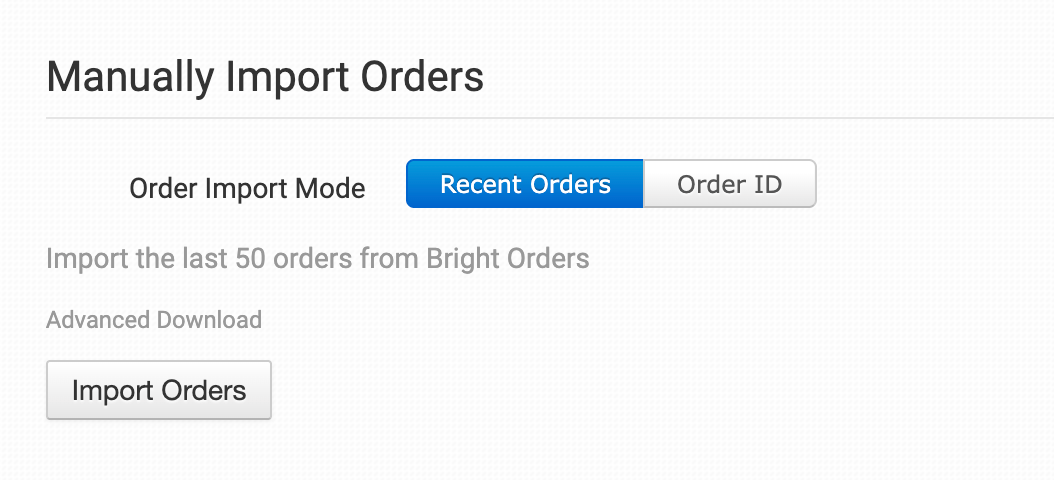
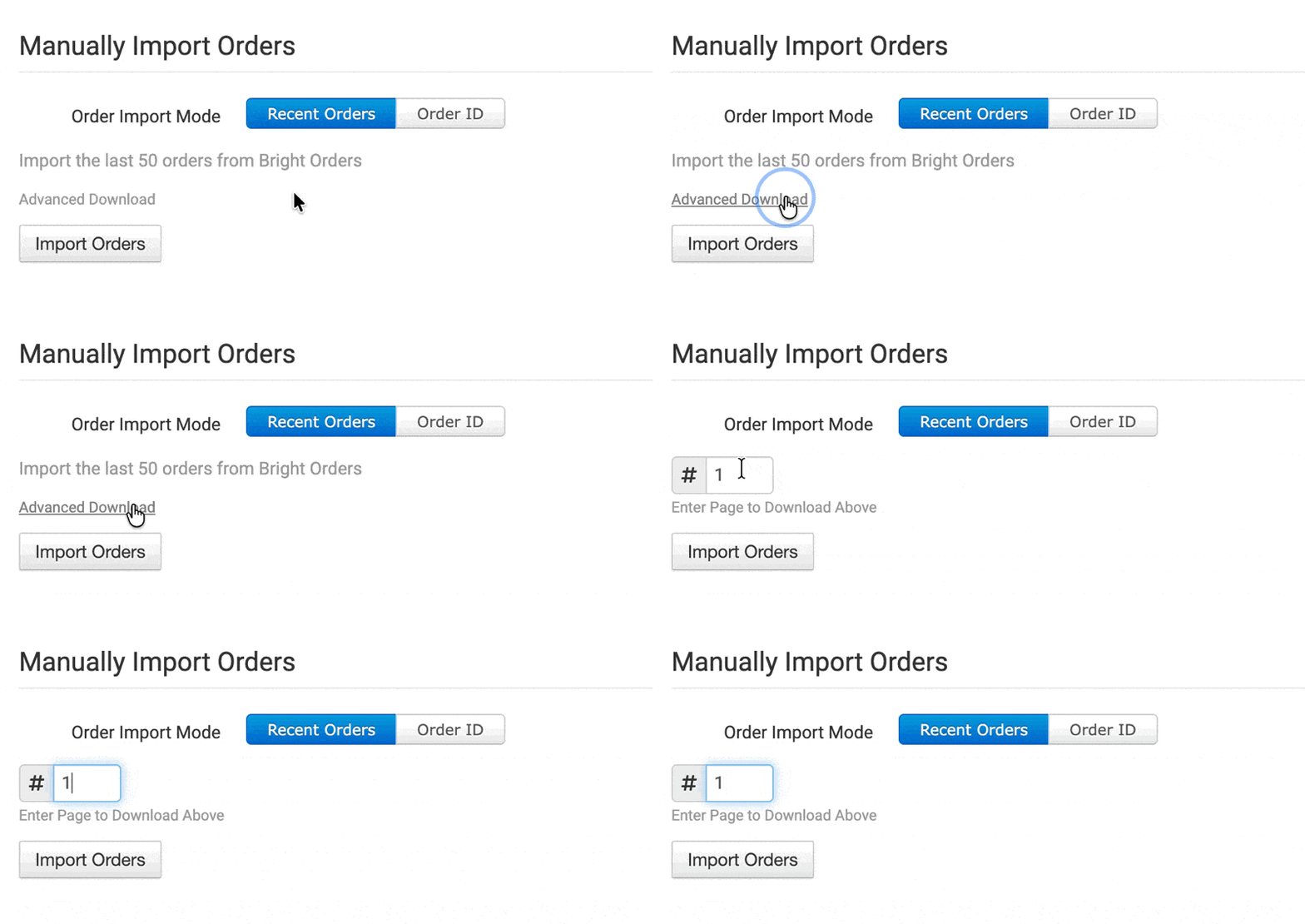
You can manually import orders from Shift4Shop at any time. You can import recent orders in bulk, or import by a specific Order ID if you only need to import one order.
Tip: Advanced Download
If you want to import more orders from Shift4Shop, you can use the Advanced Download option to paginate through the list of recent orders available to import.
Manually Import Inventory Items
Click the Import Inventory Items Now button to pull your Shift4Shop products into Order Desk. If you have any advanced options set up in Shift4Shop, those will be imported as well along with their identifiers.
Need Help?
If you have any questions about any of the information in this guide, we’re here to help!