
Order Desk can connect to Amazon Direct Fulfillment in your Amazon Vendor Central account, automatically download orders, and send shipment details back as orders are fulfilled.
Setup
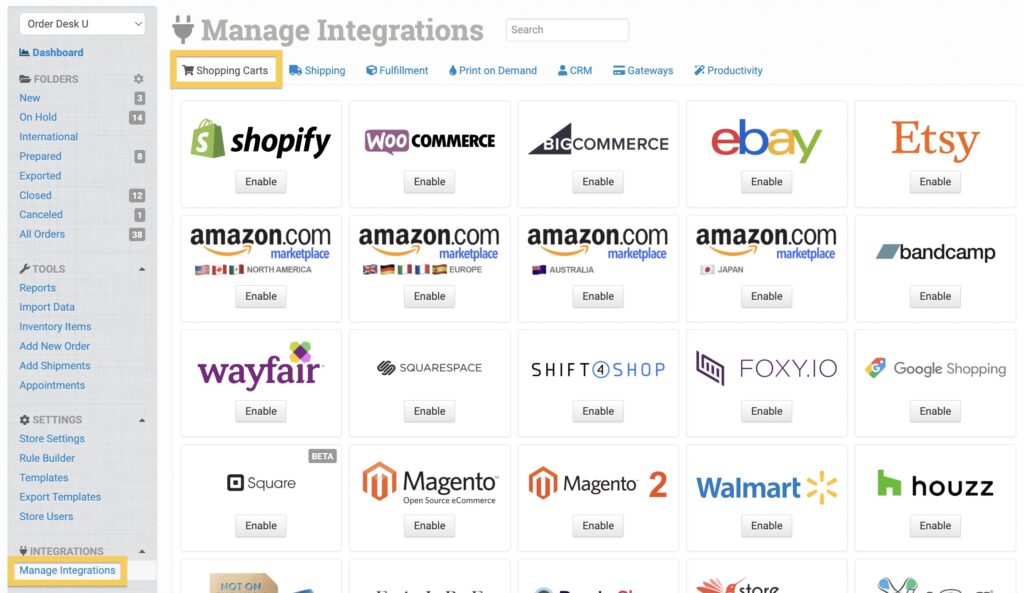
In Order Desk, click Manage Integrations under the Integrations menu in the left sidebar. Under the Shopping Carts tab, find and enable Amazon Direct Fulfillment.
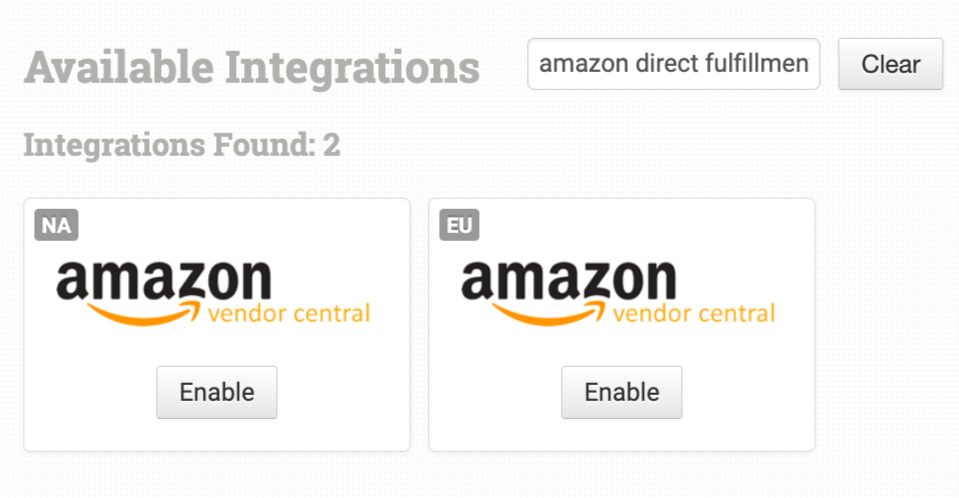
Alternatively, search for Amazon Direct Fulfillment from the available integrations search and choose the correct country:
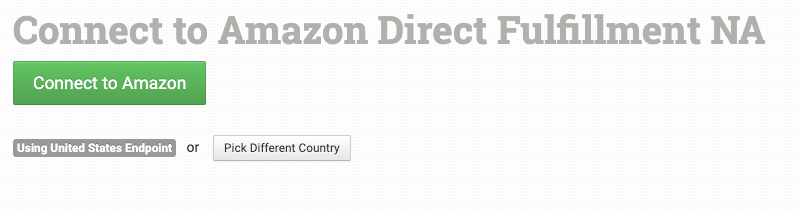
Once enabled, click Connect to Amazon to make the connection. You’ll be redirected to your Amazon account page to select the necessary permissions.
Integration Settings
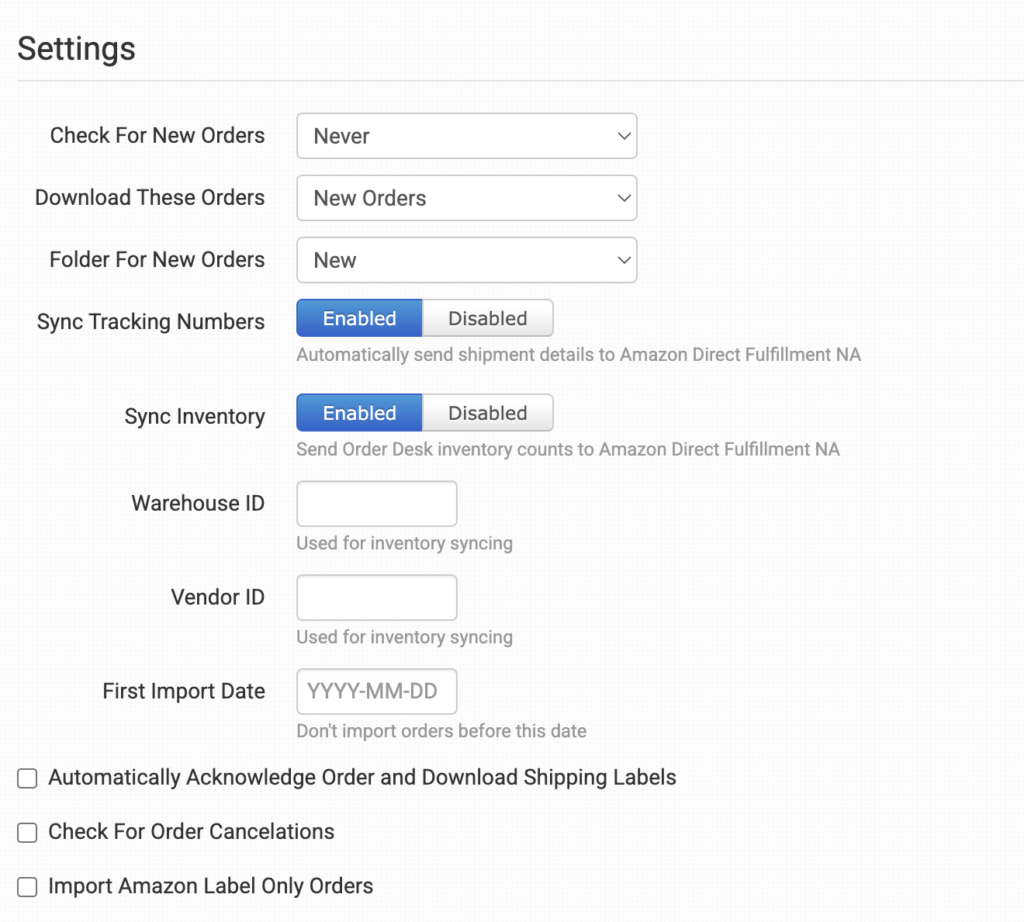
Once connected, you can set your integration preferences.
Check for New Orders
Select how often you want Order Desk to look for and import new orders from Amazon Direct Fulfillment.
Download These Orders
Select the types of orders you want Order Desk to import from Amazon Direct Fulfillment.
Folder for New Orders
Select the folder where newly imported orders from Amazon Direct Fulfillment should be placed.
For more information, see the Working with Folders guide.
Sync Inventory
Enable this if you want Order Desk to sync your inventory counts to Amazon Direct Fulfillment.
Warehouse ID
Set your store’s Warehouse ID here for inventory syncing.
Vendor ID
Set your store’s Vendor ID here for inventory syncing.
First Import Date
Any orders placed before the date set here will not be imported into Order Desk.
Automatically Acknowledge Order and Download Shipping Labels
Enable this to automatically accept orders in Order Desk and download their shipping labels.
Check for Order Cancellations
Enable this to have Order Desk listen for order cancellation events in Amazon.
Import Amazon Label Only Orders
Enable this to have Order Desk import orders from Amazon label only vendors.
Manual Imports
Manually Import Orders
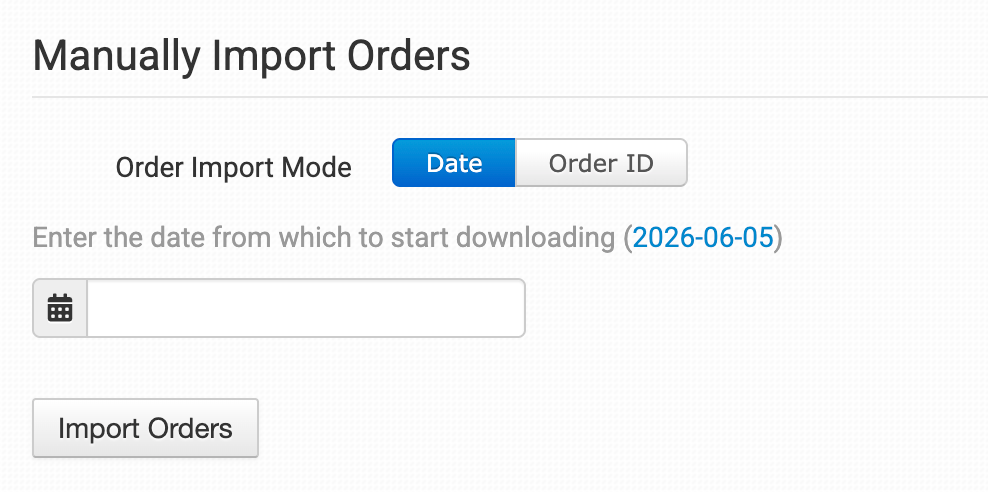
You can manually import orders from Amazon Direct Fulfillment at any time. You can import orders by Date if you need to bring in multiple orders, or by a specific Order ID if you only need to import one order.
Tip: Importing Orders by Date
If Amazon Direct Fulfillment has a large number of orders in the selected date range, you may need to click the Import button a few times to bring them all in.