
Order Desk can send your order details to Make allowing you to create powerful automated workflows across your fulfillment network.
Setup
To enable the integration, click on Manage Integrations in the left sidebar. Under the Productivity tab, find and enable the Make integration.
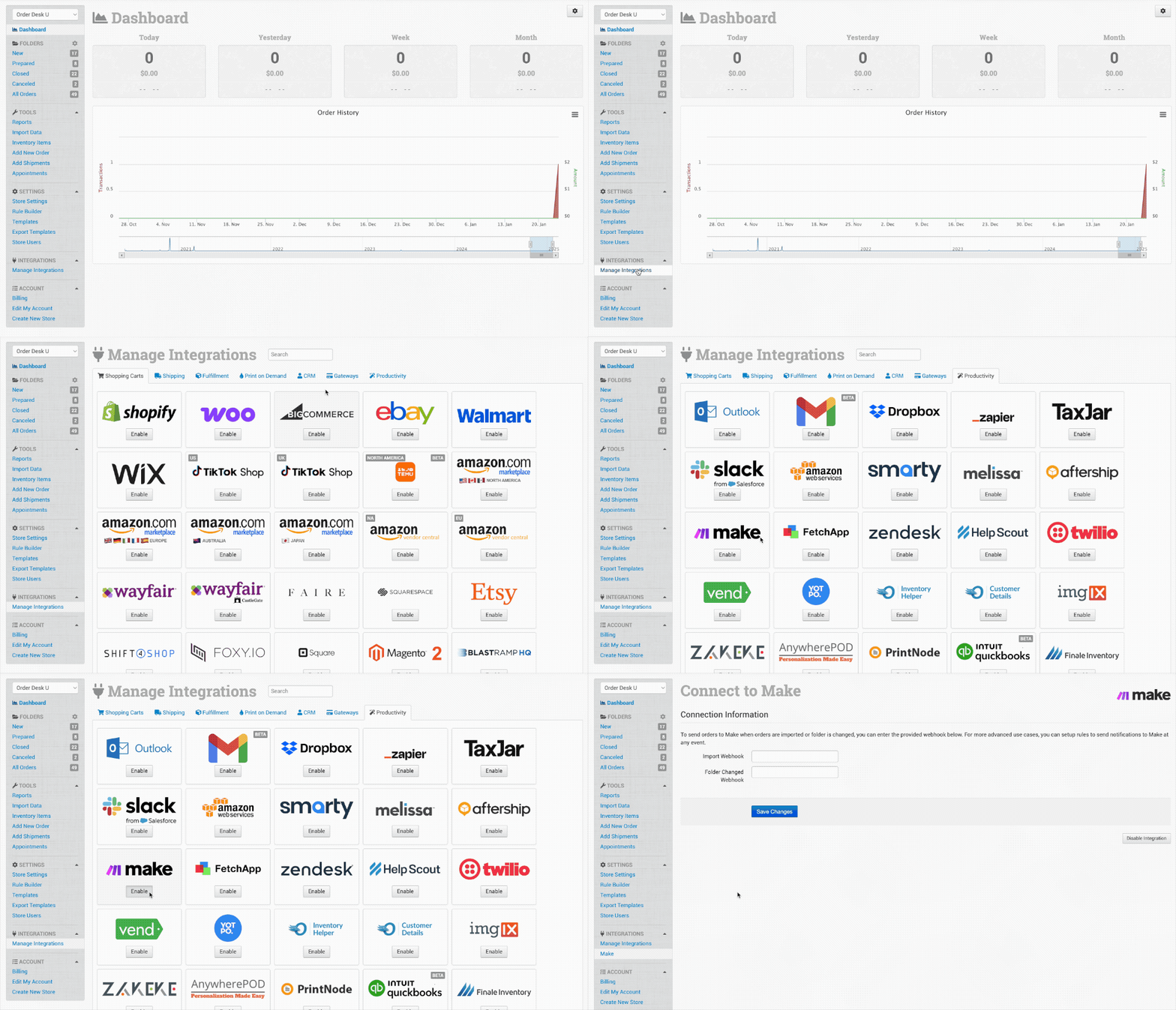
With this integration, you can take two separate actions: send order details to Make when an order is imported into Order Desk, or when an order moves between folders. Each of those actions would require its own separate webhooks in Make.
If you’re unsure of how to create a webhook in Make, you can reference their guide at this link.